An expense report is a key part of business operations — whether you’re an employee requesting reimbursement or a business owner tracking costs. When done correctly, it helps ensure accurate records, faster approvals, and cleaner bookkeeping.
If you’ve ever wondered how to create an expense report, this step-by-step guide will walk you through a simple, reliable process.

Start by gathering all expense proof, including:
Paper receipts
Email receipts and invoices
Bank or card transaction confirmations
Make sure every expense in your report has supporting documentation.
Missing receipts can delay approvals or cause expenses to be rejected.


Create a list of all expenses that will go into the report. For each expense, include:
Date of purchase
Vendor or merchant name
Amount
Payment method
Short description of the expense
This creates a clear overview of what’s being reported.

Categorizing helps with accounting and tax reporting.
Common expense categories include:
Travel
Meals
Office supplies
Software and subscriptions
Marketing and advertising
Client expenses
Correct categories make reporting and bookkeeping much easier.


Every line item in your expense report should be supported by a receipt or invoice.
Best practice:
Match each receipt to the correct expense
Make sure amounts and dates match
Check that receipts are readable
This reduces back-and-forth and speeds up approvals.

Once complete, submit the report according to your company’s process:
Upload to accounting or expense software
Send to finance or accounting team
Save for your own business records
Keep a copy for reference.


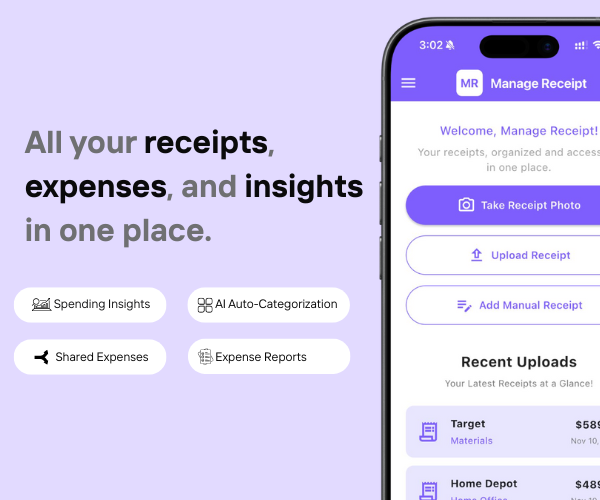
Creating expense reports becomes much simpler when receipts are already organized.
Manage Receipt helps streamline expense reporting by:
Capturing receipts instantly
Storing all receipts in one secure place
Making it easy to find receipts for reports
Keeping proof ready for reimbursement and accounting
Reducing manual searching and missing documents
When receipts are organized, expense reports take minutes instead of hours.
Click Here to see how Manage Receipt helps in making expense reports
If you are a small business Click Here to find out how Manage Receipt helps managing expenses for small businesses.

Learning how to create an expense report is about consistency and organization. When expenses are documented properly, categorized correctly, and supported by receipts, expense reports become fast, accurate, and stress-free.
By using tools like Manage Receipt to organize receipts in advance, you can simplify reporting, speed up reimbursements, and maintain clean financial records.
A good expense report saves time for everyone.


From smartphones to air conditioners, big purchases come with big responsibilities. With Manage Receipt, you can stop worrying about lost receipt. Whether you’re requesting a refund or sending a product for repair, your receipts are always there when you need them.
© 2025 Manage Receipt. All Rights Reserved.