





AI Tool Subscriptions for Small Business: What’s Deductible

AI Tool Subscriptions for Small Business: What's Deductible

Are AI Tool Subscriptions Deductible?

Yes, if the tool is used for business purposes. AI subscriptions are generally treated the same as any other business software expense, deductible as an ordinary and necessary cost of running your business.

The deduction depends on how the tool is actually used. A writing assistant used to draft marketing copy or client emails clearly serves a business purpose. However, mixed personal and business use may require prorating the expense.

Free trials and free tiers don’t create a deduction. Only the portion you actually pay for counts as a deductible expense, so track the date your subscription moves from free to paid.

Common Categories of AI Tools Businesses Use

Common Categories of AI Tools Businesses Use

Writing and content generation tools. AI writing assistants used for marketing copy, product descriptions, or internal documents fall under standard software subscription expenses.

Image and design generation tools. AI tools used to create marketing visuals, social media graphics, or product mockups are deductible in the same way as traditional design software.

Customer service and chatbot platforms. AI-powered chat tools used to handle customer inquiries or support tickets are a legitimate operational expense.

Automation and workflow tools. Platforms that use AI to automate scheduling, data entry, or repetitive tasks count as business software, similar to any other productivity tool.

Data analysis and reporting tools. AI-powered analytics platforms used to review sales, customer behavior, or financial data are deductible business expenses as well.

How to Categorize AI Subscriptions in Your Books

Most AI subscriptions fit under software or technology expenses. Unless you have a specific reason to separate them, grouping AI tools alongside your other software subscriptions keeps your categories simple and consistent.

Consider a separate line item if AI spending grows significant. If AI tools become a meaningful portion of your monthly costs, breaking them into their own category can help you evaluate ROI more clearly.

Annual vs. monthly billing changes how you track the expense. An annual AI subscription may need to be tracked differently for accounting purposes than a simple monthly charge, so note the billing cycle for each tool.

What to Track for Every AI Subscription

What to Track for Every AI Subscription

Save the receipt or invoice for every payment. Even small monthly charges should be documented the same way as any other software expense, since they add up over a year.

Note the business purpose of each tool. A brief note on what the tool is used for strengthens your documentation, especially if a subscription is ever questioned.

Track the subscription start date and billing cycle. This helps you spot when a free trial converts to a paid plan and avoid missing that transition in your records.

Flag any tools with mixed personal and business use. If you use a tool for both personal projects and business tasks, only the business-use portion should be deducted, so estimate and document that split.

Common Mistakes When Tracking AI Subscription Costs

Forgetting about auto-renewing annual plans. An annual AI subscription charged once a year is easy to miss if you’re only reviewing monthly statements, so flag these dates specifically.

Letting unused subscriptions run indefinitely. AI tools are easy to sign up for and just as easy to forget about once the initial excitement fades, quietly draining your budget each month.

Not separating AI costs from general software expenses when it matters. If you want to evaluate whether AI tools are actually paying off, lumping them into a general software category makes that analysis difficult.

Missing the shift from free trial to paid subscription. Many AI tools auto-convert from a free trial to a paid plan, and this transition is one of the easiest charges to overlook.

Tip: Set a calendar reminder to review all AI tool subscriptions quarterly. As a result, you catch unused tools before they’ve cost you several more months of unnecessary spending.

Let Manage Receipt Track Every Subscription

Let Manage Receipt Track Every Subscription

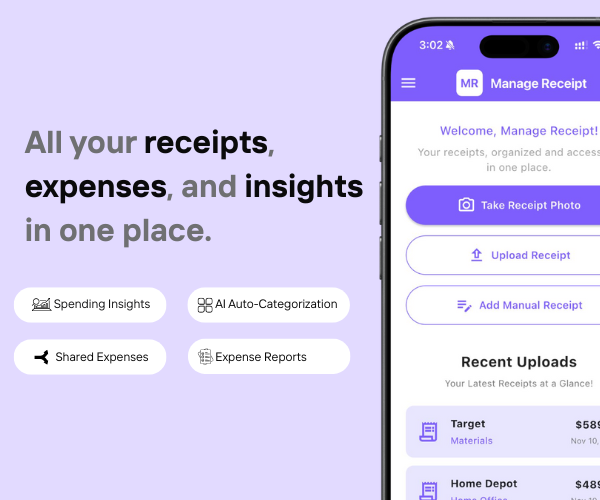
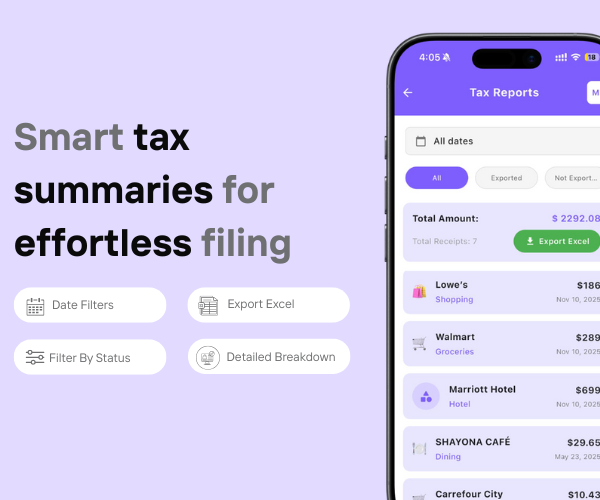
Manage Receipt scans and categorizes your AI tool invoices and subscription charges the moment you photograph or forward them. Therefore, keeping track of a growing list of software tools becomes simple, and every expense stays organized and ready for tax season without digging through old statements.

With Manage Receipt, you can:

  • Upload and organize receipts in one secure place
  •  Keep digital proof for long-term access
  • Track spending and manage expenses easily
  • Maintain digital records for accounting and budgeting


Conclusion

paper-less receipt

AI tool subscriptions have quietly become a real line item in most small business budgets, and they deserve the same tracking discipline as any other software cost. Save every invoice, note the business purpose when you sign up, and keep an eye on which tools auto-renew each year.

Review your list quarterly, and it stops being a mystery collection of small charges on your card statement. Instead, it becomes a clear, deductible part of your operating costs, with no surprises when tax season rolls around.

paper-less receipt

FAQs

Can I deduct an AI tool I use for both personal and business tasks?

Only the business-use portion is deductible. Therefore, estimate the percentage of business use and document your reasoning in case the expense is ever reviewed.

Should I categorize AI subscriptions separately from other software?

It depends on how much you're spending. If AI tools represent a small portion of your software budget, grouping them together is fine. However, separating them helps if you want to track ROI specifically.

What happens if an AI subscription auto-renews and I forgot about it?

The charge is still generally deductible if it was for business use. Nevertheless, reviewing your subscriptions regularly prevents paying for tools you no longer need or use.

Smart app for organizing receipts and expenses.

Manage Receipt is designed to simplify the way individuals and businesses manage their financial records. The app allows users to digitize receipts, organize expenses, and generate reports in one platform. With smart tools like receipt scanning, expense tracking, and bill reminders, users can easily monitor their spending and keep their financial data organized.