
Contractor Payments: 1099 Recordkeeping for Small Business Owners

When You Need to Issue a 1099

The threshold is based on total payments per contractor. If you paid an independent contractor a set minimum or more in a calendar year for business services, you generally need to issue a 1099-NEC. Therefore, track running totals per contractor, not just per invoice.

It applies to services, not product purchases. Payments for services like design work, consulting, or repairs typically require a 1099. However, buying physical products from a vendor usually doesn’t trigger the same requirement.

Payment method affects whether you file it. Payments made by credit card or through third-party platforms like PayPal are typically reported by the payment processor instead, so you may not need to issue a 1099 for those specific transactions.

What Information You Need From Every Contractor

What Information You Need From Every Contractor

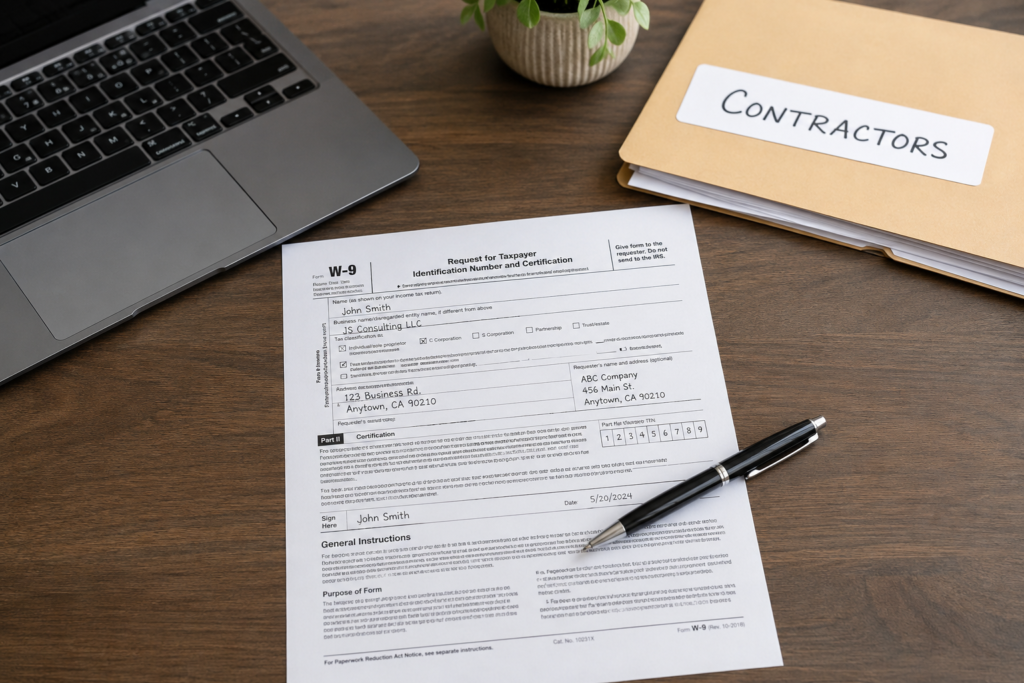
Collect a completed W-9 before the first payment. This form provides the contractor’s legal name, business type, and taxpayer identification number, which you’ll need to file their 1099 accurately.

Verify the information looks complete before filing it away. A missing SSN or EIN, or a mismatched business name, can cause delays or rejected filings later. Therefore, review the W-9 as soon as it’s submitted.

Keep W-9s on file even after the contractor stops working with you. You may need this information again for future projects, and retaining it saves you from chasing the same paperwork twice.

Tracking Contractor Payments Throughout the Year

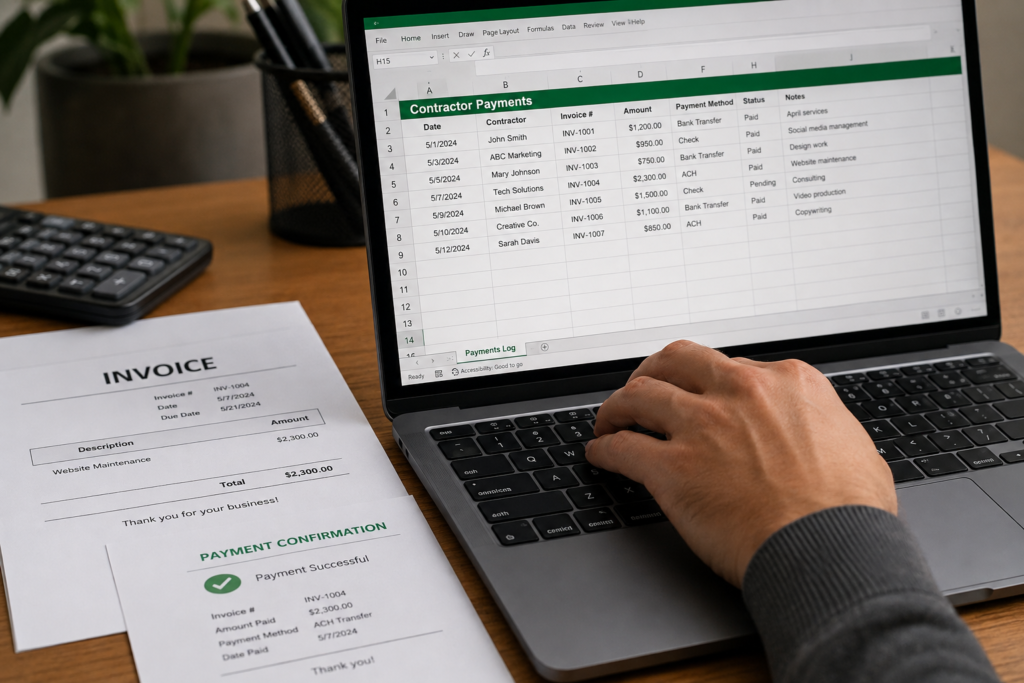
Log every payment as it happens, not at year-end. Record the date, amount, and purpose of each payment to a contractor immediately, rather than trying to reconstruct a year of transactions in January.

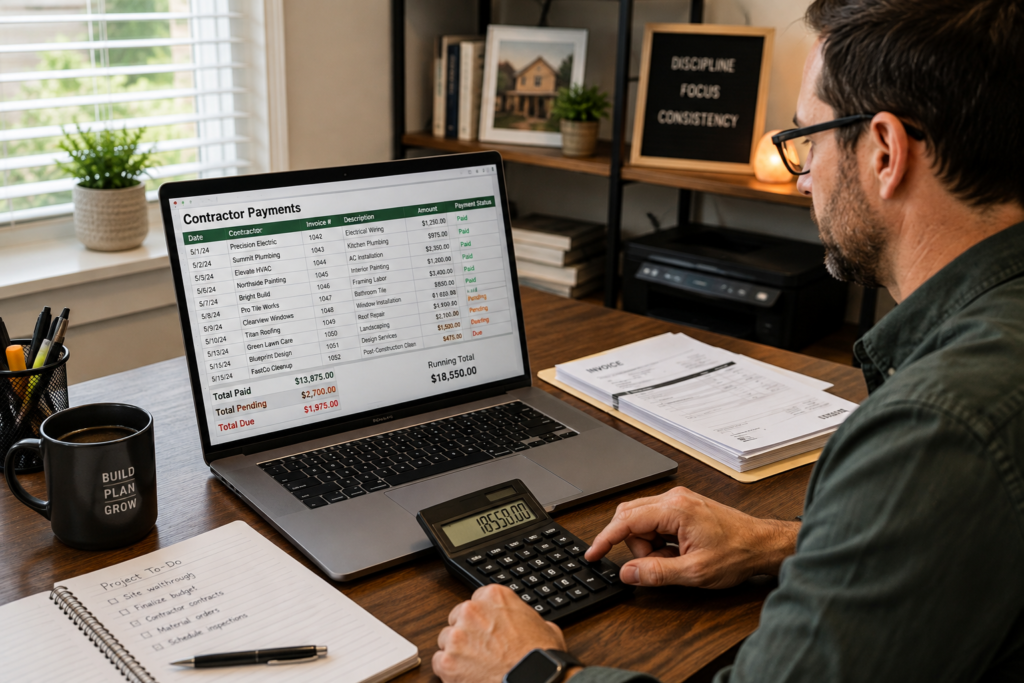
Keep a running total per contractor. This makes it easy to see at a glance which contractors have crossed the reporting threshold and which haven’t, without digging through months of records.

Separate contractor payments from other business expenses. Mixing contractor payments in with general supply or vendor expenses makes it harder to isolate exactly what you paid each person over the year.

Save the invoice alongside the payment record. An invoice from the contractor, paired with your payment confirmation, gives you a clear paper trail if a payment is ever questioned.

Common Contractor Recordkeeping Mistakes

Common Contractor Recordkeeping Mistakes

Waiting until January to figure out who needs a 1099. This often means scrambling to track down W-9s and mailing addresses from contractors you haven’t spoken to in months. Therefore, collect this information upfront instead.

Missing payments made outside your usual system. A one-off cash or check payment for a small project is easy to forget if it wasn’t logged the same way as your regular contractor payments.

Confusing employees with contractors. Misclassifying a worker can create serious tax and legal issues. Consequently, if you’re unsure whether someone is a contractor or an employee, review the classification criteria carefully or consult a professional.

Not tracking payments made through multiple methods. If you pay one contractor partly by check and partly by direct deposit, failing to combine both totals can result in an inaccurate 1099.

Tip: Set up a simple spreadsheet or use expense-tracking software with a dedicated contractor category from day one. As a result, your running totals are always current instead of reconstructed at year-end.

Filing Deadlines and What to Expect

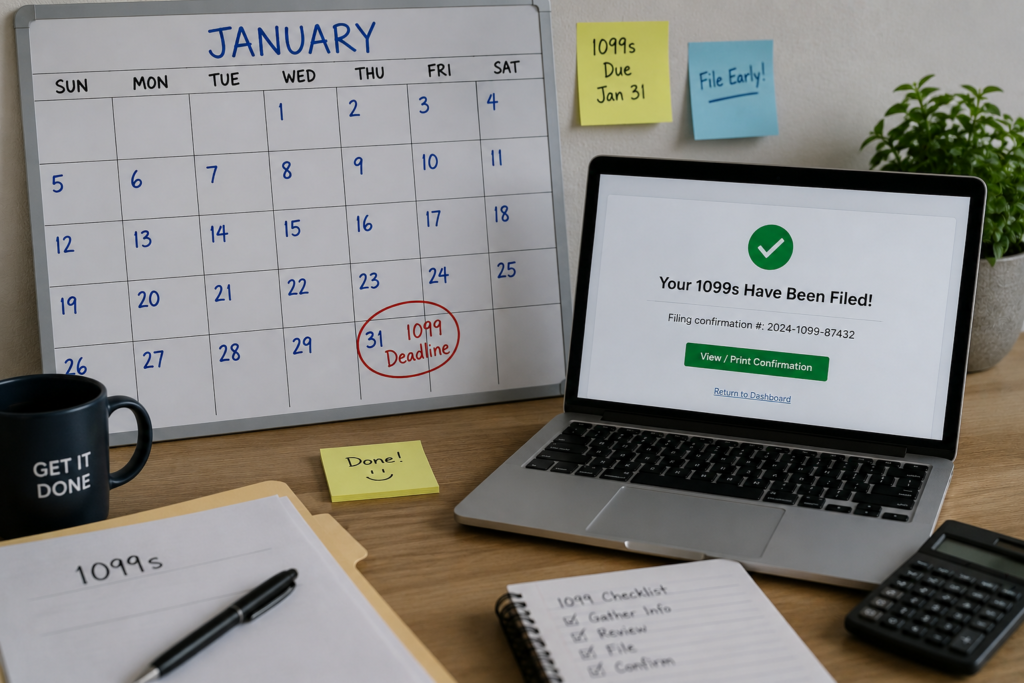
1099-NEC forms are generally due to contractors by late January. Contractors need this form early enough to complete their own tax filings, so don’t wait until the deadline to start preparing.

Copies also need to be filed with the IRS. Beyond sending the form to your contractor, you’re also responsible for submitting a copy to the IRS by the required deadline.

Late filings can result in penalties. Penalty amounts increase the longer a required 1099 goes unfiled, so treat this deadline as a hard one rather than something to push back.

Let Manage Receipt Keep Contractor Records Organized

Let Manage Receipt Keep Contractor Records Organized

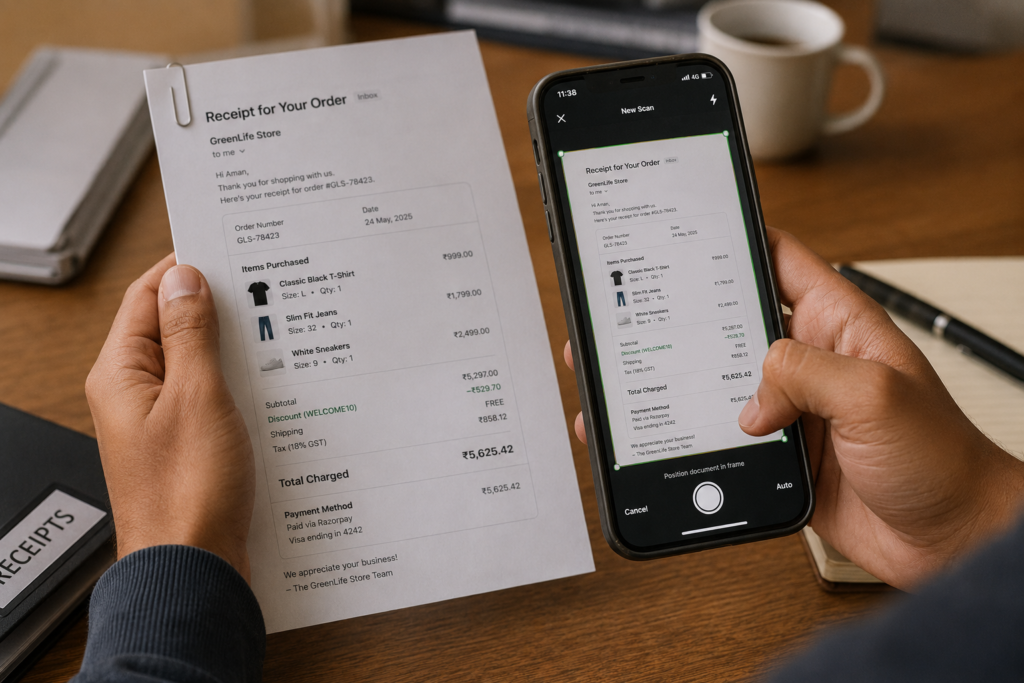
Manage Receipt scans and categorizes contractor invoices and payment records the moment you photograph them. Therefore, tracking running totals per contractor throughout the year becomes simple, and 1099 season turns into a quick review instead of a scramble to reconstruct twelve months of payments.

With Manage Receipt, you can:

  • Upload and organize receipts in one secure place
  •  Keep digital proof for long-term access
  • Track spending and manage expenses easily
  • Maintain digital records for accounting and budgeting


Conclusion

paper-less receipt

Contractor payments feel simple until 1099 season arrives and you’re piecing together twelve months of payments from memory. The fix is straightforward: collect a W-9 before the first payment, log every transaction as it happens, and keep a running total per contractor instead of reconstructing it all in January.

Build that habit once, and 1099 filing turns into a quick export of records you’ve already been keeping, not a scramble against a deadline.
 
paper-less receipt

FAQs

Do I need a 1099 for a contractor I paid less than the threshold?

No, generally not. However, it's still good practice to keep a W-9 and payment records on file in case that contractor's total changes or you work with them again later in the year.

What happens if a contractor won't provide a W-9?

You may be required to withhold backup withholding on their payments. Therefore, it's best to collect the W-9 before making any payment, rather than after the relationship has already started.

Can I file a 1099 late if I missed the deadline?

Yes, but penalties typically apply and increase the longer the filing is delayed. Consequently, file as soon as possible once you realize a form is missing, rather than waiting.

Smart app for organizing receipts and expenses.

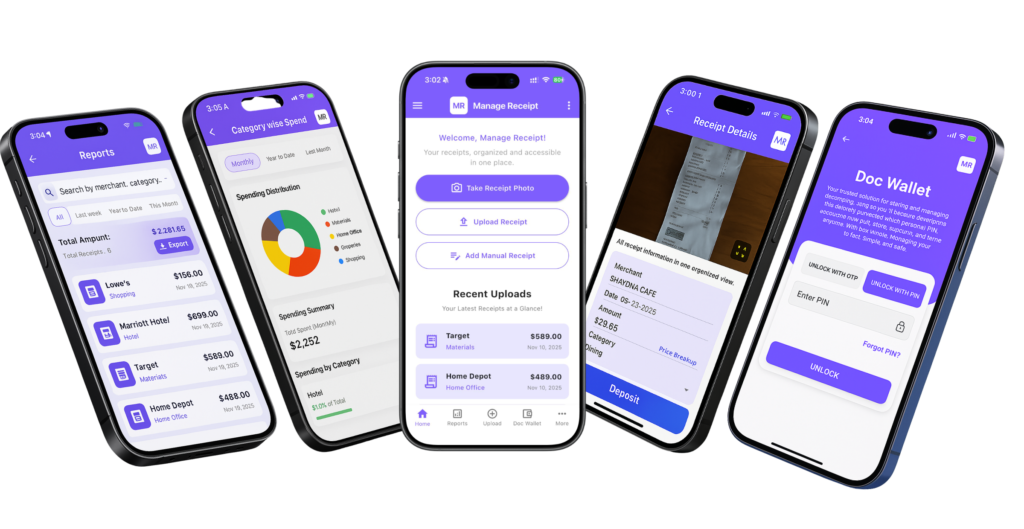
Manage Receipt is designed to simplify the way individuals and businesses manage their financial records. The app allows users to digitize receipts, organize expenses, and generate reports in one platform. With smart tools like receipt scanning, expense tracking, and bill reminders, users can easily monitor their spending and keep their financial data organized.