


Few things kill the vibe of a great group dinner faster than the moment the check arrives. Someone had the steak, someone else stuck to a salad and water, one person bought a round of drinks for the whole table — and suddenly everyone’s doing mental math while the server stands there waiting. It doesn’t have to be this way. Splitting a bill fairly is completely manageable once you know which method to use and how to track things afterward. Here’s a practical breakdown.
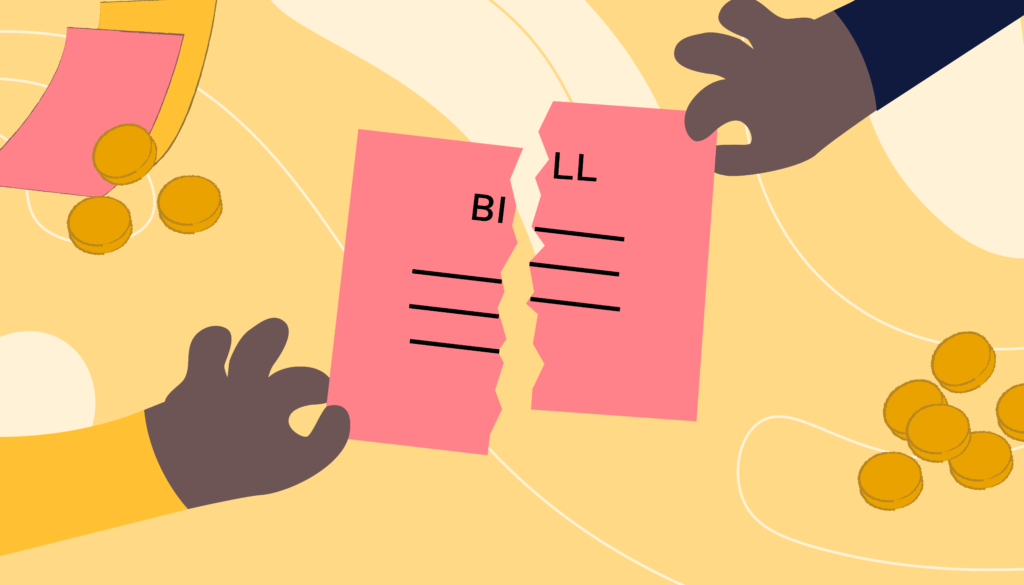
Equal splits are fast and easy, and for casual outings where everyone ordered roughly the same amount, they work perfectly fine. The problem shows up when spending is genuinely uneven.
If one person had an appetizer, a $40 entrée, and two cocktails while another had a $12 salad and tap water, dividing the total equally means the lighter eater is directly subsidizing the bigger spender. Nobody might say anything in the moment, but that kind of imbalance builds quiet resentment over time — especially in groups that go out together regularly.
For small tight-knit friend groups, things tend to balance out naturally over time. But for larger groups, one-off events, or mixed groups with very different spending habits, an even split almost always feels unfair to at least one person at the table.

This is the most precise and fairest approach available. Each person pays for exactly what they ordered, plus their proportional share of tax and tip. No one pays for something they didn’t have, and no one gets away with paying less than they should.
The tradeoff is time — going through a receipt item by item with a large group can get messy. A few things make it smoother:
This method works best for groups of four or fewer, or when you’re using an app that can scan the receipt and assign items to people digitally.
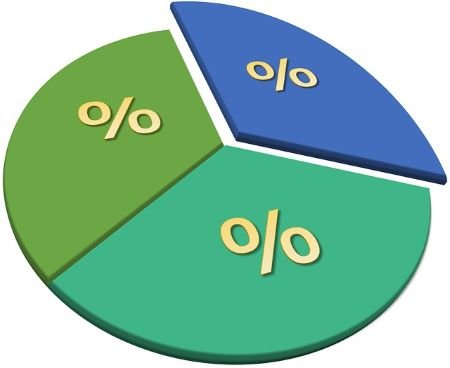
If full itemization feels like too much work but a straight even split doesn’t feel right either, percentage-based splitting is a solid middle ground.
Here’s how it works: add up each person’s individual order total, figure out what percentage of the overall pre-tax bill that represents, then apply that same percentage to the final total — tax, tip, and all included.
So if your order came to 30% of the pre-tax subtotal, you pay 30% of the final bill. It keeps everything proportional without requiring you to separately calculate tax and tip line by line for every single person. Clean, fair, and much faster than full itemization.

Shared appetizers, bottles of wine, rounds of drinks — these are the items that complicate every splitting method. The cleanest way to handle them is to split shared items evenly among everyone who actually had them, then add that amount to each person’s individual total before applying tax and tip.
For restaurants where almost everything is shared — tapas spots, family-style Korean BBQ, hot pot — it’s often worth agreeing upfront on one of two approaches: either split the whole bill evenly since everyone is sharing everything anyway, or have one or two people cover the shared items while everyone else handles their own individual orders separately. Deciding this before you order saves a lot of confusion when the check arrives.


Sometimes splitting on the spot isn’t possible. One person puts the whole thing on their card to keep things moving, or the group is settling up later after a trip, a shared vacation rental, or a series of group dinners. In these cases, the receipt becomes a record you need to hold onto and actually be able to reference.
A few habits make this much less painful:
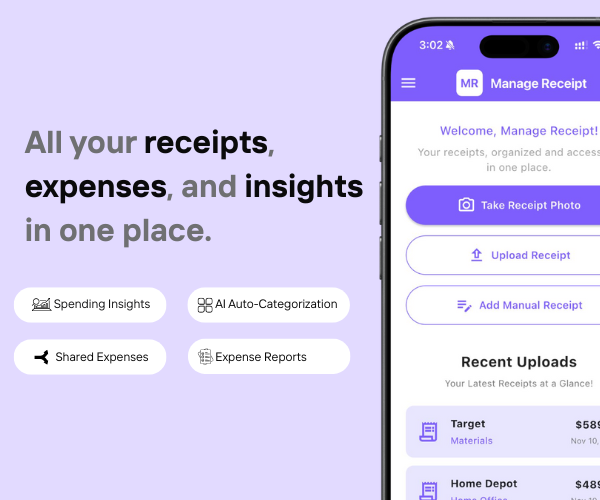
This is exactly where Manage Receipt makes a real difference. Instead of juggling a crumpled receipt, a group chat, and a calculator all at once, you can scan the receipt directly in the app, divide it among the people who were there, and keep a clear record of who owes what — all in one place. No disputed totals, no forgotten IOUs, and no digging through your wallet three days later trying to remember what the final bill actually was.
For groups that go out regularly or share expenses across a trip, Manage Receipt’s split bill feature acts like a running ledger — so balances stay visible and nothing quietly slips through the cracks.

The single most effective thing any group can do is agree on a splitting method before anyone orders. Not when the check lands on the table — before. It takes thirty seconds and eliminates the most uncomfortable part of the whole situation.
Ask upfront: are we splitting evenly, going itemized, or handling drinks separately? Once everyone knows the plan, the actual settling up becomes a formality rather than a negotiation.
Whether you use a credit card or debit card, the real challenge is organizing proof.
Manage Receipt helps bridge that gap by ensuring every transaction has proper documentation.
With Manage Receipt, you can:
Capture receipts instantly to prevent loss
Store all receipts in one centralized system
Access proof quickly for approvals and audits
Improve visibility into spending
Reduce manual work and admin overhead
The biggest benefit of using ManageReceipt isn’t just the time you save. It’s the money you keep — because every receipt you capture is a deduction you can actually claim.
Try ManageReceipt free today — available on iOS and Android. No credit card required.
Click Here to know more about how Manage Receipt helps small businesses.

There’s no single right way to split a group bill — the best approach depends on the group, the type of meal, and how precise everyone wants to be. What matters is choosing a method that feels fair to everyone involved, agreeing on it before the food arrives, and keeping a simple record afterward so nothing gets lost or forgotten.
The good news is that the “keeping a record” part has never been easier. With Manage Receipt, you can scan the bill the moment it lands on the table, assign items to each person, and walk away with a clean digital record of exactly who owes what — no mental math, no group chat chaos, no awkward follow-ups days later asking someone to pay you back.
Because at the end of the day, the dinner should be the part everyone remembers — not the ten-minute confusion that followed when the check arrived. A fair split handled quickly and cleanly is the difference between ending the night on a good note and leaving with a quiet frustration that nobody mentions but everybody feels.
Use the right method, agree on it early, and let Manage Receipt handle the tracking. That’s really all it takes.

Every tool on this list helps you run your business better. But none of them matter if your financial records are a mess.
Before you invest in project management software, marketing tools, or e-commerce platforms — make sure your expense tracking is airtight. Every purchase you make for your business needs to be documented, categorised, and stored correctly. Not just for tax season, but for understanding whether your business is actually profitable.
That is exactly what ManageReceipt is built for. Scan a receipt in seconds, add the business purpose, and it is stored, backed up, and export-ready. No shoebox of crumpled paper. No scrambling at tax time.
Download ManageReceipt Free — Start Tracking Expenses Today
iOS & Android | managereceipt.com


© 2025 Manage Receipt. All Rights Reserved.
