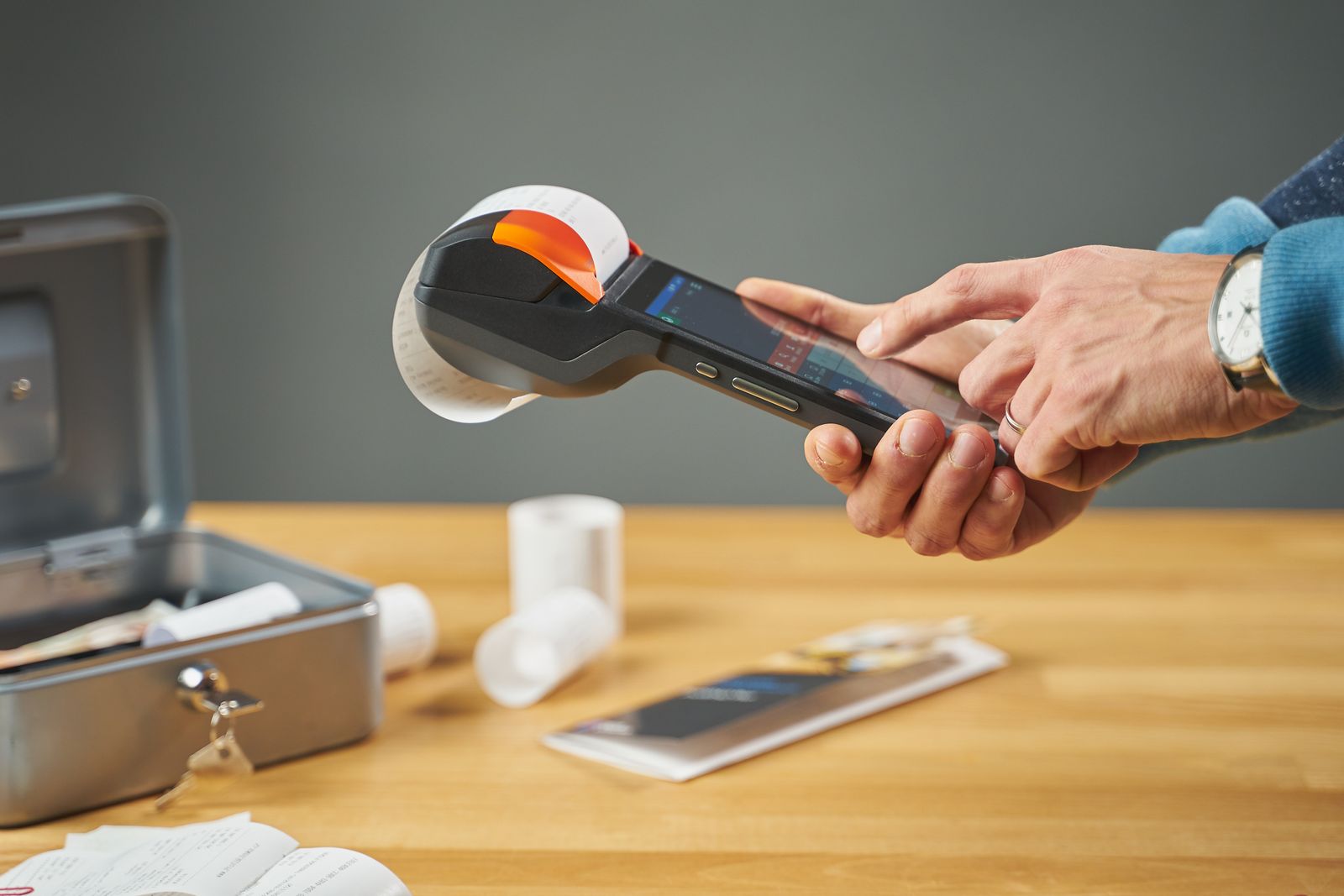
A client pays you $250 at the end of a family photo session and asks for a receipt for her records. Your laptop is back at the studio. With the right template saved on your phone, you can send a clean, professional receipt before you've even packed up your camera.
That's the real value of a receipt template. You set it up once, and every receipt after that takes a couple of minutes, looks the same and includes everything your customer needs.
Below, you'll get free receipt templates for the most common small business situations, a checklist of what every receipt should include, and a simple system for keeping your own business receipts in order.
What Is a Receipt Template?
Think of a receipt template as a fill-in-the-blanks version of a receipt. The layout, labels and math are already in place. You just add the date, the customer, what they paid for and how they paid.
A receipt itself is proof that a payment happened. Your customer uses it for returns, warranty claims or getting reimbursed by their employer. You use your copy to back up your income records.
Using a template means you never have to remember what goes where. Every receipt follows the same receipt format, so nothing important gets skipped on a busy day. You'll sometimes hear the printed version called a receipt form, but it's the same thing.
Free Receipt Templates to Download
Each template below is available in Word, Excel, PDF, Google Docs and Google Sheets. Choose the style that fits the way you sell, then grab the format you're comfortable editing.
Blank Receipt Template
Good for: handymen, tutors, personal trainers and event vendors
A blank receipt template is the most flexible option. It has your business details at the top and open lines for whatever you sold that day, with nothing pre-filled. Type into it before you print, or keep a few blank receipts on hand to fill in with a pen.
Good for: farmers markets, craft fairs, pop-up shops and garage sales
A printable receipt template fits three receipts on one sheet of letter paper. Print a small stack before the weekend, cut along the dotted lines, and you're covered even without a printer on site. It's the easiest free printable receipt option if you sell face to face.
Good for: retail shops, studios and service companies with repeat customers
A business receipt template gives you room for a logo, full contact details, a tax ID and the customer's name and address. It's the small business receipt template to use when your customers may need to hand your receipt to an accountant or employer, because every detail they'll be asked for is already on the page.
Good for: contractors, cleaners, photographers and consultants
Service work often gets paid in pieces, like a deposit up front and the rest when the job is done. A payment receipt template shows what was paid today, what was paid before and what's still owed. The service version adds the date of the work and a short description, such as “lawn care, 1/2 acre, Sept 12,” so your customer knows exactly what the receipt covers.
Good for: food trucks, car washes and quick mobile repairs
When you're making dozens of small sales a day, you want speed. A simple receipt template sticks to five fields: date, receipt number, item, amount and payment method. It fits on a quarter page and takes less than a minute to fill in.
Good for: online sellers, freelancers and anyone paid by bank transfer
A digital receipt template is an editable receipt template you fill in on your laptop or phone and send as a PDF. There's nothing to print, nothing to lose, and your copy is saved the moment you hit send. If most of your payments happen online, this is the one to use.
A complete receipt answers three questions for your customer: who did they pay, what did they pay for, and how much. Use this checklist no matter which template you choose.
Your receipt checklist
Business details: your business name, address and phone or email
Date: the day the payment was made
Receipt number: a unique number for every receipt
Customer name: especially for services and larger sales
Items or services: a clear description, quantity and price for each
Totals: subtotal, sales tax and final total
Payment method: cash, check, or card with the last four digits
Balance due: only if this was a partial payment
Sales tax rules differ from state to state, so confirm whether what you sell is taxable where you sell it.
Receipt numbers and why they matter
A receipt number gives every sale its own ID. When a customer calls about a refund three months later, you can find their receipt in seconds. If you ever notice a gap in your numbers, you'll know something's missing.
Pick any starting number and never reuse one. Adding the year as a prefix, like 2026-0147, keeps things tidy when a new year begins.
Receipt Example
Here's a filled-in receipt from a small print shop, so you can see how the checklist comes together.
Harbor Print Shop118 Water Street, Portland, ME(207) 555-0142
Receipt number2026-0147
DateSeptember 18, 2026
CustomerLina Ortiz, Ortiz Realty
250 business cards$45.00
Vinyl banners2 at $60.00 each$120.00
Subtotal$165.00
Sales tax (7%)$11.55
Total paid$176.55
Payment methodVisa ending in 4417
Example receipt (sample business)
Lina can file this with her own business records and never has to come back asking for more details.
How to Create a Receipt Using a Template
Once your template is set up, making a receipt for your small business takes just a few steps.
Save a master copy. Add your business name, logo, address and tax ID one time, then save the file so you never type them again.
Fill in the date and receipt number. Always use the next number in your sequence.
Describe the sale. List each item or service with the quantity and price.
Check the totals. Make sure the subtotal, tax and total add up, especially if you've edited any formulas.
Note how they paid. Cash, check, card or transfer.
Send or hand over the receipt, and save your own copy in the same place every time.
Writing a receipt by hand? The same order works. Just press firmly if you're using carbon copies, so yours stays readable.
Receipt Template Formats in Word, Excel, PDF and Google Docs
The best format is the one that matches how you already work.
Format
Best for
Easy to edit
Adds up totals for you
Easy to print
Receipt template Word
Branded receipts with a logo
Yes
No
Yes
Receipt template Excel
Itemized sales with many lines
Yes
Yes
Yes
Receipt template PDF
Printing blank receipts to fill by hand
Only fillable PDFs
No
Yes
Receipt template Google Docs
Editing from any device, sharing with staff
Yes
No
Yes
Receipt template Google Sheets
Teams that want totals and cloud access
Yes
Yes
Yes
If you can't decide, go with Excel or Google Sheets. The built-in math takes care of line totals and tax, which is where most receipt mistakes happen.
Making your own receipt template in Excel
Prefer to build one yourself? A basic version takes about ten minutes.
Put your business name and contact details in the first few rows
Add labeled cells for Date, Receipt Number and Customer
Set up columns for Description, Qty, Price and Line Total
In Line Total, multiply Qty by Price (for example, =B8*C8)
Below the items, add Subtotal, Sales Tax and Total rows with formulas
Format the money cells as currency, then save the file as a template
Run two or three test sales through it before you use it with real customers, just to be sure the formulas hold up.
Printable vs. Digital Receipts
You don't have to pick just one. Most small businesses use whichever fits the sale.
Printable receipts
Digital receipts
Best for
In-person sales, cash payments, markets
Online sales, bank transfers, repeat clients
Your copy
Carbon copy or photo
Saved automatically
Risk
Fading, water damage, getting lost
Deleted emails if not backed up
Speed
Fast once printed
Fast if you're at a device
A common setup is a paper receipt at the counter and a digital copy of every sale for your files. Our guide to digital receipts vs. paper receipts goes deeper on the tradeoffs.
Receipt vs. Invoice in Simple Terms
The quickest way to remember it:
An invoice asks for money, and a receipt confirms you got it.
Picture a landscaper who bills a client $600 on the first of the month. That's the invoice. The client pays on the tenth, and the landscaper sends a receipt showing the payment came in and how it was made.
Get paid on the spot? You can usually skip the invoice and go straight to the receipt.
Why Businesses Should Keep Receipts Organized
Receipts go both ways. You give them to customers, and you collect them every time you buy something for your business. That second pile matters just as much, because it backs up every deduction you claim.
The IRS expects you to keep records that support your income and expenses. For travel, meals and gifts, you generally need a receipt for any single expense of $75 or more, plus every lodging bill. Most records should be kept for at least three years after you file. Our guide on how long to keep business receipts walks through the details.
A shoebox of faded slips won't be much help if you need to prove a $400 equipment purchase two years from now. A simple system will.
No copy for yourself. If a payment is ever disputed, your copy is your evidence.
Messy handwriting. If your customer can't read the amount, the receipt won't do its job.
Frequently Asked Questions
Where can I get a free receipt template?
Right here. All the templates on this page are free to download in Word, Excel, PDF and Google Docs, and ready to customize with your business details.
Can I create a receipt in Word or Excel?
Yes, and each has its strengths:
Word is great for branded receipts with a logo and your own layout
Excel is great for itemized receipts, because it adds up the subtotal and tax for you
How do I make a printable receipt?
Download a printable receipt template, add your business details and print it on regular letter paper. Most printable templates fit two or three receipts per page for you to cut apart.
Are digital receipts valid for taxes?
Yes. The IRS accepts electronic records, including scanned and emailed receipts, as long as they're accurate and easy to read. Just keep them backed up.
Do I need to number my receipts?
It isn't required everywhere, but it's a smart habit. Numbers make every receipt easy to find and flag any that go missing.
Is a handwritten receipt valid?
Yes, as long as it includes the essentials:
Business name
Date
What was purchased
Amount paid
Payment method
How long should a small business keep receipts?
Generally at least three years after you file the return they support. Records for things like property and equipment should be kept longer.
Picking the Right Receipt Template for Your Business
Start with the template that matches how you get paid. Printable or simple receipts suit quick in-person sales, business and service receipts suit client work, and digital receipts suit online payments.
Whichever you choose, number every receipt and keep your own copy. Then treat the receipts you collect with the same care. With ManageReceipt, they're scanned, stored and ready whenever you need them.
Templates for the receipts you give. Manage Receipt for the ones you get.Scan, store and report on every business receipt.