Costco operates on what it calls a “risk-free 100% satisfaction guarantee,” covering both your membership fee and almost everything you buy.
In simple terms, most products can be returned at any time, for any reason, for a full refund — no expiration date required. Unlike many retailers that give you 30 or 60 days, Costco’s general return policy doesn’t put a clock on most purchases.
That said, “most” is the key word — several categories have specific rules, and it pays to know them before you shop.


Not everything qualifies for the unlimited return window. Electronics and a handful of other categories must be returned within 90 days of receiving the item. This includes:
Costco also offers free technical support for many electronics — including TVs, computers, cameras, and printers — for the life of the product, even after the 90-day return window closes.

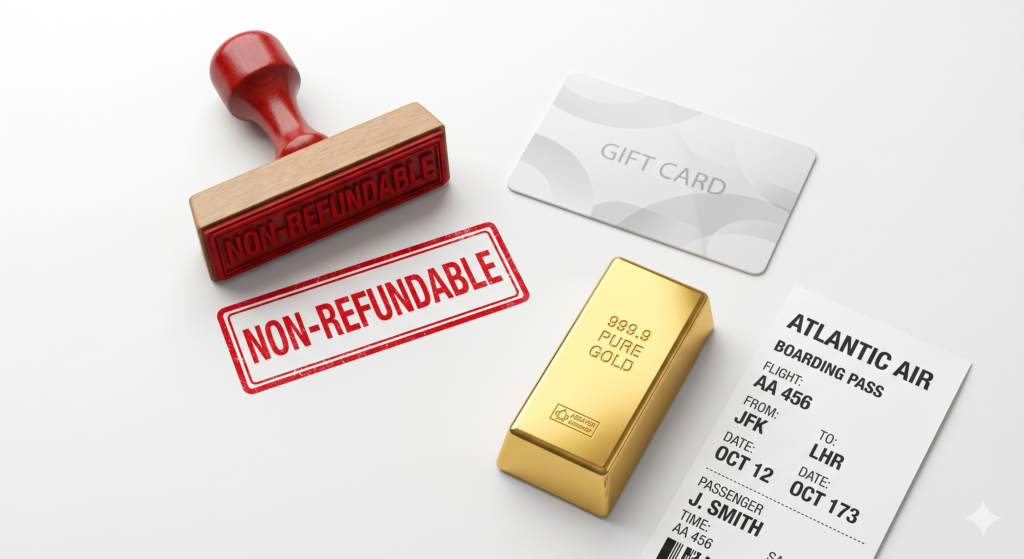
Despite its flexible reputation, Costco maintains a list of items that are non-refundable or come with extra conditions:
Diamonds weighing 1.00 carat or more are a special case — they can be returned, but only with the original certification paperwork (IGI and/or GIA), and the item will be inspected before a Jewelry Credit Memo is issued.
Products with a limited lifespan, like tires and batteries, are typically covered under their own product-specific warranties rather than Costco’s general return policy.


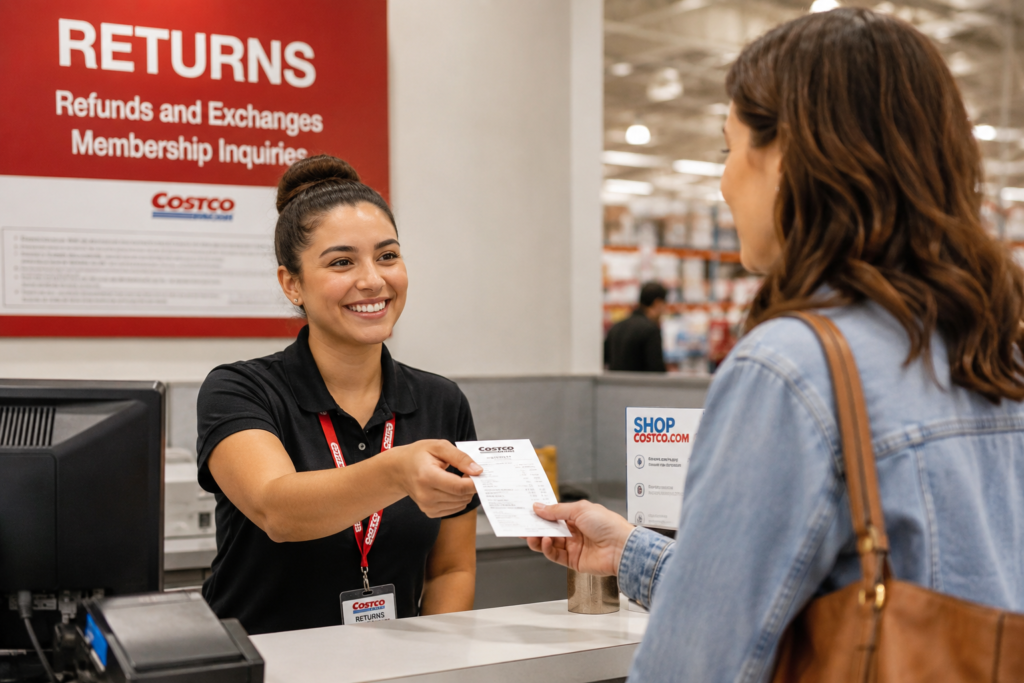
One of the most member-friendly parts of Costco’s policy is that a receipt usually isn’t required.
Because your purchases are tied to your membership account, staff at the returns desk can often look up your purchase history electronically. Digital receipts are also available directly through the Costco app, which makes locating an old purchase much easier than digging through your wallet or junk drawer.
That said, having a receipt — digital or paper — speeds things up considerably and avoids any back-and-forth at the counter, especially for higher-value items.

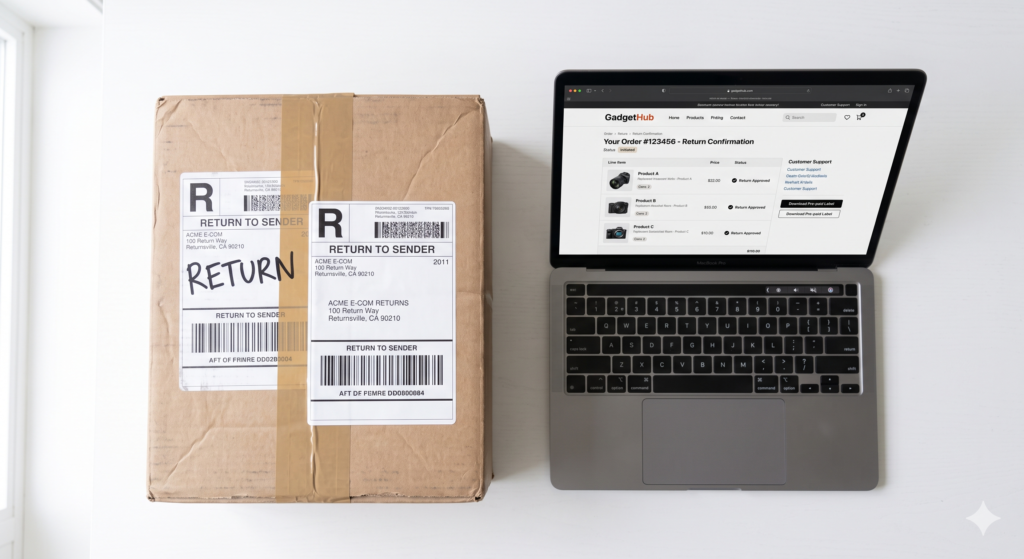
If you bought something through Costco’s website rather than in a warehouse, you have two options:
Return In-Store Bring the item to any Costco warehouse for an immediate refund, including any shipping and handling fees you paid.
Ship It Back Start a return through your online account. Costco covers the return shipping cost, so you won’t pay an extra fee — though it may take longer to process than an in-store return.
A few categories, like eyeglasses and contact lenses, follow slightly different return paths through Costco’s optical department, so it’s worth checking the specific product page if you’re returning those items.


Costco’s return policy hasn’t officially changed on paper, but enforcement has visibly tightened in 2026.
Several reports this year point to the same trend: Costco is now tracking how often individual members make returns and how much value those returns represent.
If a member’s account shows a pattern that looks like policy abuse — frequent high-value returns, for example — that account can be flagged, and future returns may require manager approval.
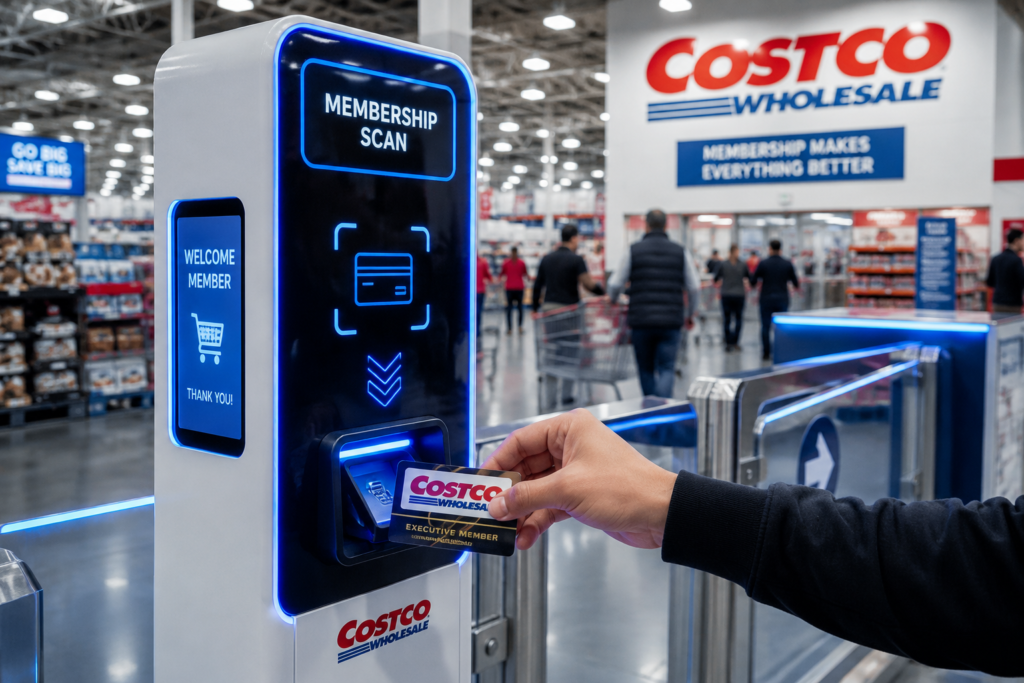
Some warehouses have also installed digital scanners near entrances that link a visit to a member’s purchase history, making it easier for staff to verify what was bought even without a physical receipt.
Electronics returns are also seeing closer scrutiny, with staff asking more questions about original packaging and proof of purchase, even though the 90-day window itself hasn’t changed.
This shift mirrors a broader retail trend — return fraud has become a significant cost for major retailers, and companies are balancing generous policies against the need to prevent abuse, without alienating loyal shoppers in the process.

A few habits can make any Costco return faster and smoother:


Do you use a credit card or debit card for business? The real problem is not spending. It is keeping track of every receipt.
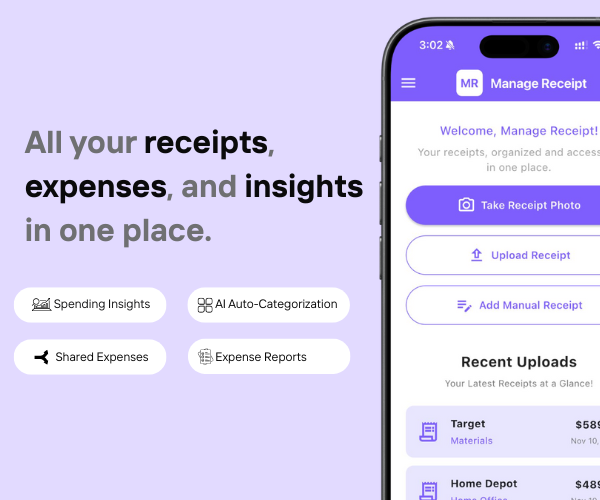
Manage Receipt fixes that. It makes sure every purchase has the right proof attached to it.
With Manage Receipt, you can:
The biggest win? It is not just the time you save. It is the money you keep. Every receipt you save is a tax deduction you can actually use.
Try ManageReceipt free today. It works on iOS and Android. No credit card needed.
Click Here to learn more about how Manage Receipt helps small businesses.

The Costco return policy remains one of the most generous in retail, but 2026 has brought a noticeable shift toward closer tracking and stricter enforcement for outlier cases.
For the vast majority of members making reasonable, occasional returns, the experience hasn’t changed much — it’s still simple, fast, and largely receipt-free. Keeping a digital record of your purchases is the easiest way to make sure any return goes smoothly, no matter how the policy continues to evolve.


Every tool on this list helps you run your business better. But none of them matter if your financial records are a mess.
Before you invest in project management software, marketing tools, or e-commerce platforms — make sure your expense tracking is airtight. Every purchase you make for your business needs to be documented, categorised, and stored correctly. Not just for tax season, but for understanding whether your business is actually profitable.
That is exactly what ManageReceipt is built for. Scan a receipt in seconds, add the business purpose, and it is stored, backed up, and export-ready. No shoebox of crumpled paper. No scrambling at tax time.
Download ManageReceipt Free — Start Tracking Expenses Today
iOS & Android | managereceipt.com
© 2026 Manage Receipt. Built with ❤️ using WordPress and Kubio Theme.