


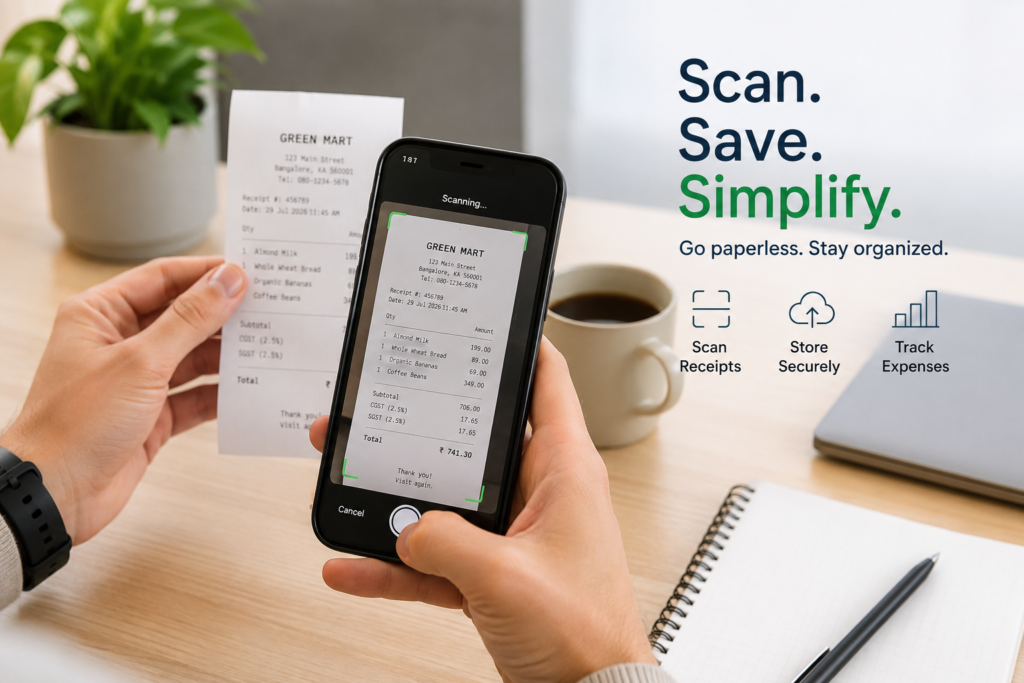
Every day, billions of paper receipts are printed around the world — and most of them end up crumpled in a pocket, faded in a drawer, or thrown away within hours of being handed over. For something that represents real money you spent, that’s a surprisingly careless way to treat a financial record.
Whether you’re managing personal spending, running a household budget, tracking business costs, or just
trying to stay on top of your finances — going paperless with your receipts is one of the simplest and most
impactful changes you can make in 2026.The good news? You don’t need expensive equipment, a complicated system, or hours of free time. Your
smartphone, a reliable app, and a few consistent habits are all it takes.This guide walks you through everything: why going paperless matters, exactly how to do it, and how to
make it stick — for good.

Your receipts are fading before you need them: Thermal paper receipts start losing their print within weeks. By the time you actually need one — for a warranty claim, expense report, or tax filing — it’s
often completely blank.
You lose receipts at the worst moments: You keep a receipt carefully for weeks, and the one time you reach for it, it’s gone. Lost receipts mean lost proof — and lost options.
Paper creates stress and clutter: Wallets stuffed with slips, shoeboxes at tax time, drawers full of crumpled paper. The physical weight of receipts is a quiet but constant source of financial stress.
You can’t search or sort paper: With a physical receipt, finding what you need means sifting through everything manually. A digital system lets you find any receipt in seconds by date, merchant, or amount.
The environment pays the price too: Most thermal paper cannot be recycled due to its chemical coating. Billions of receipt slips go to landfill every year. Going digital is a small action with a real
environmental impact.
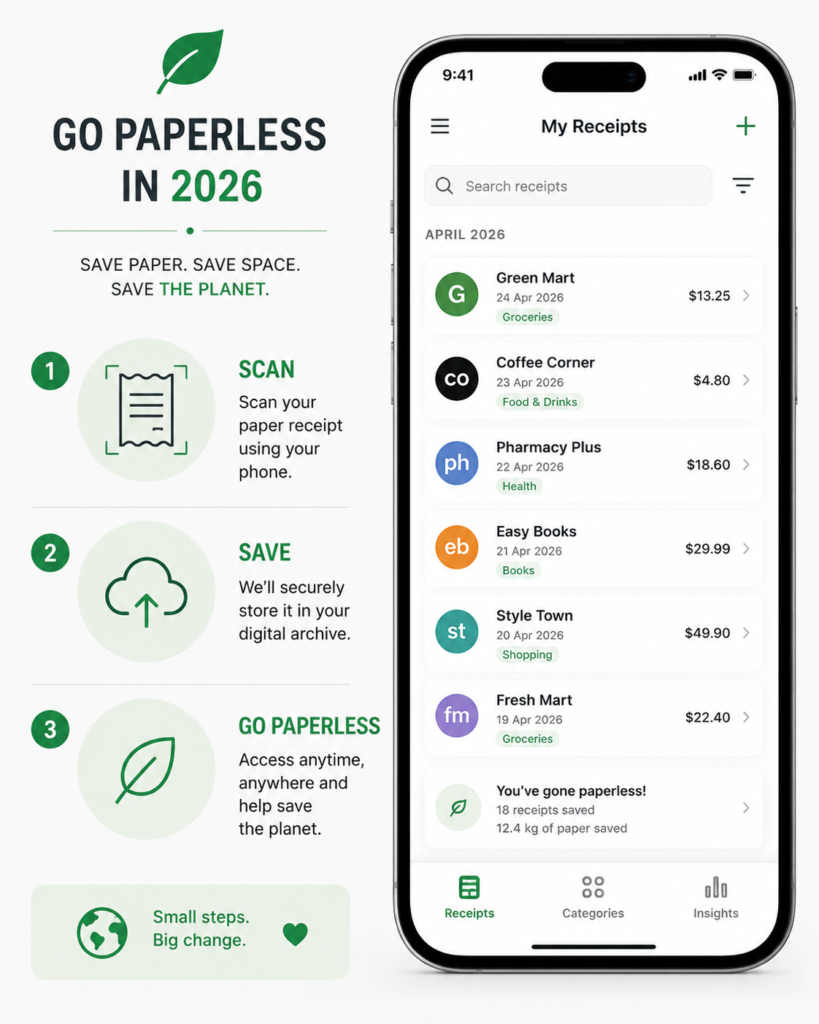
One place for everything (the digital home): Pick one app or storage system and commit to it. Every receipt — paper or digital — goes to the same place. Consistency matters more than perfection. Apps like Manage Receipt are built specifically for this: they scan, store, and organize receipts automatically so nothing gets lost.
Capture first, organize second (the scan habit): The most important rule is this: scan or photograph every paper receipt the moment you receive it. Don’t wait until you get home. Don’t leave it in your bag.
Capture it immediately — before it fades, tears, or disappears. Most receipt apps extract the key details (date, amount, merchant) automatically using AI, so you don’t have to type anything.
Let digital receipts come to you automatically (the inbox connection): A large share of your receipts already arrive in your email inbox — from online orders, subscriptions, travel bookings, and app purchases. Connect your email to a receipt app that pulls these in and organizes them automatically. You get a complete picture without doing any extra work.

Going paperless works when it becomes automatic — not something you have to think about. Here is how
to make that happen:
Ask for digital receipts whenever possible: Most retailers, restaurants, and service providers now offer email or SMS receipts. Make it your default to ask for digital instead of paper. Over time, thisremoves the paper problem at the source.
Scan paper receipts before leaving the store: You have the receipt in your hand. Your phone is in your pocket. It takes 10 seconds. Scan it now — not later. “Later” is where receipts go to disappear.
Do a 5-minute weekly receipt check: Once a week — Sunday evening works well — spend five minutes reviewing what came in. Make sure everything is scanned and filed. This small habit prevents your digital system from becoming a digital mess.
Set categories that match your real life: Groceries, utilities, medical, travel, subscriptions, dining. Organize receipts the way you actually think about spending. The goal is to find any receipt in under 30
seconds without searching through everything.
Back up to the cloud — always: Unlike paper, digital receipts can be completely protected from loss. Make sure your receipt app uses cloud storage, or that automatic phone backups are enabled. A receipt saved only on your device is one dropped phone away from being gone.
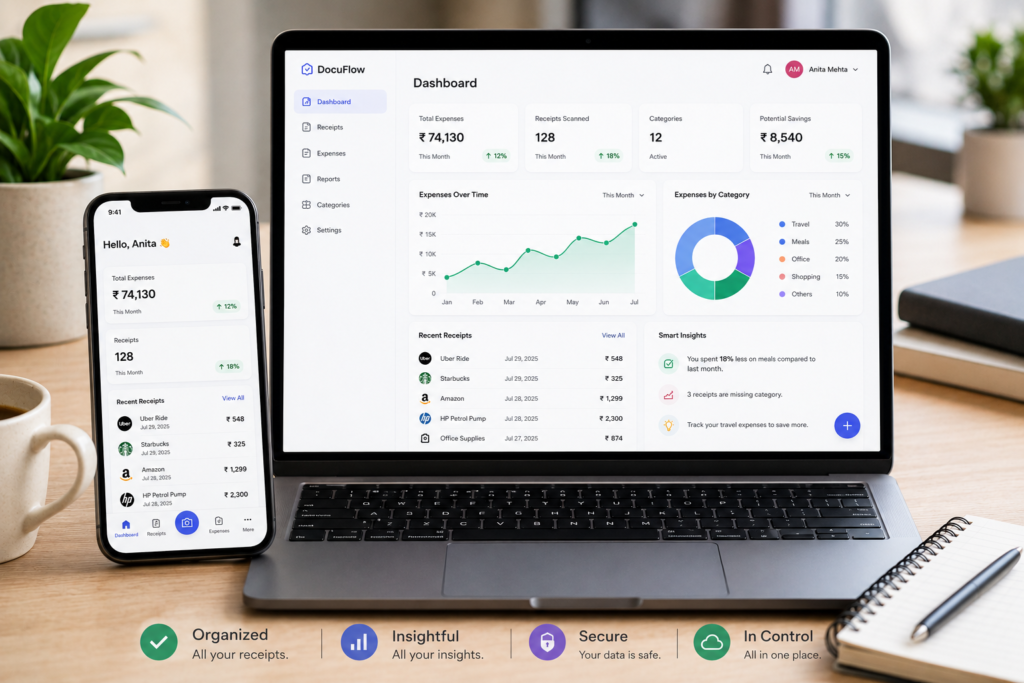

The honest answer is: everyone. But the benefits show up differently depending on how you use it.
Individuals and families: Easier budgeting, no more hunting for receipts before returning something, and a clear picture of where money goes each month.
Frequent travellers: Hotel bills, transport receipts, and travel expenses — all captured and accessible from your phone, wherever you are in the world. No more lost expense claims.
Small business owners and freelancers: Clean, organized records for every business expense. Tax season becomes a matter of exporting a report instead of sorting through a shoebox. Every deductible expense is documented and ready.
Students and young adults: Building good financial habits early — tracking spending, understanding patterns, and staying in control of a tight budget.
Remote workers and contractors: Keeping a clean paper trail of equipment, software, and workspace expenses without physical filing systems.
Retirees and seniors: Simple, clutter-free record-keeping with easy access to medical, service, and utility receipts whenever needed.
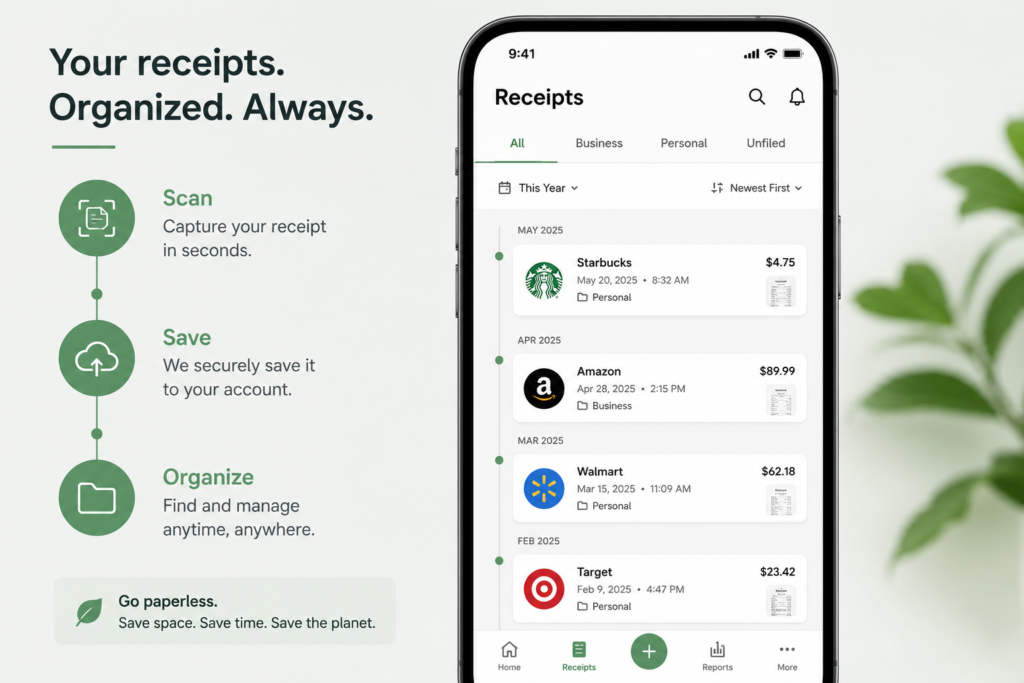
One of the great advantages of going digital is that storage costs essentially nothing — so you can keep receipts far longer than any paper system would allow. Here is a practical guide by category:
For everyday purchases like groceries, fuel, and dining — 30 to 90 days is usually enough. For larger purchases, electronics, or appliances — keep receipts for the full warranty period, plus a few months after.
For medical expenses and business costs — at least 5 to 7 years is recommended, though this varies by country. When in doubt, keep it. Digital storage is cheap, and you will always regret deleting a receipt more than keeping one you never needed.
The real point is this: with a digital system, keeping receipts longer costs you nothing and requires no extra effort. The only limit is the one you choose to set — which, for most people, means keeping everything indefinitely.
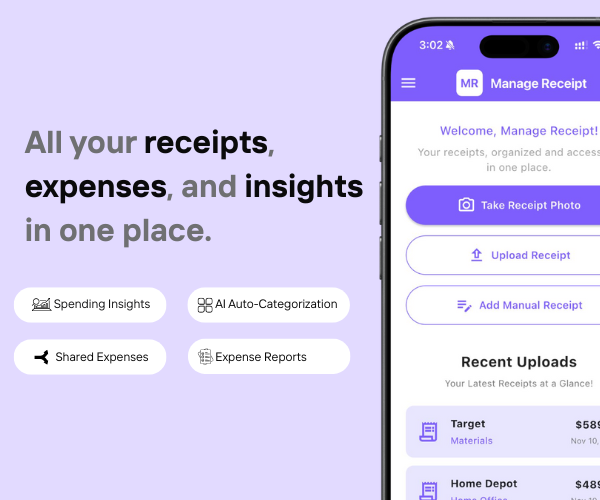
Going paperless sounds simple in theory — but the reality is that receipts come from everywhere: paper slips, email confirmations, SMS messages, and in-app purchases. Keeping all of that organized manually is where most people give up. That is exactly the problem Manage Receipt is built to solve.
Manage Receipt helps bridge that gap by ensuring every transaction is captured, stored, and ready the moment you need it.
With Manage Receipt, you can:
Scan paper receipts instantly using your phone camera — no scanner needed
Capture email receipts automatically from your inbox
Store everything in one secure, searchable place
Organize by category, date, or merchant with AI auto-categorization
Generate expense reports in seconds — ready for tax filing or reimbursement
Access every receipt from any device, anywhere in the world
The biggest advantage of using Manage Receipt isn’t just the time you save. It’s the receipts you stop losing — because every transaction is captured, stored, and ready the moment you need it.
Try Manage Receipt free today — available on iOS and Android. No credit card required.
Click Here to know more about how Manage Receipt helps small businesses.
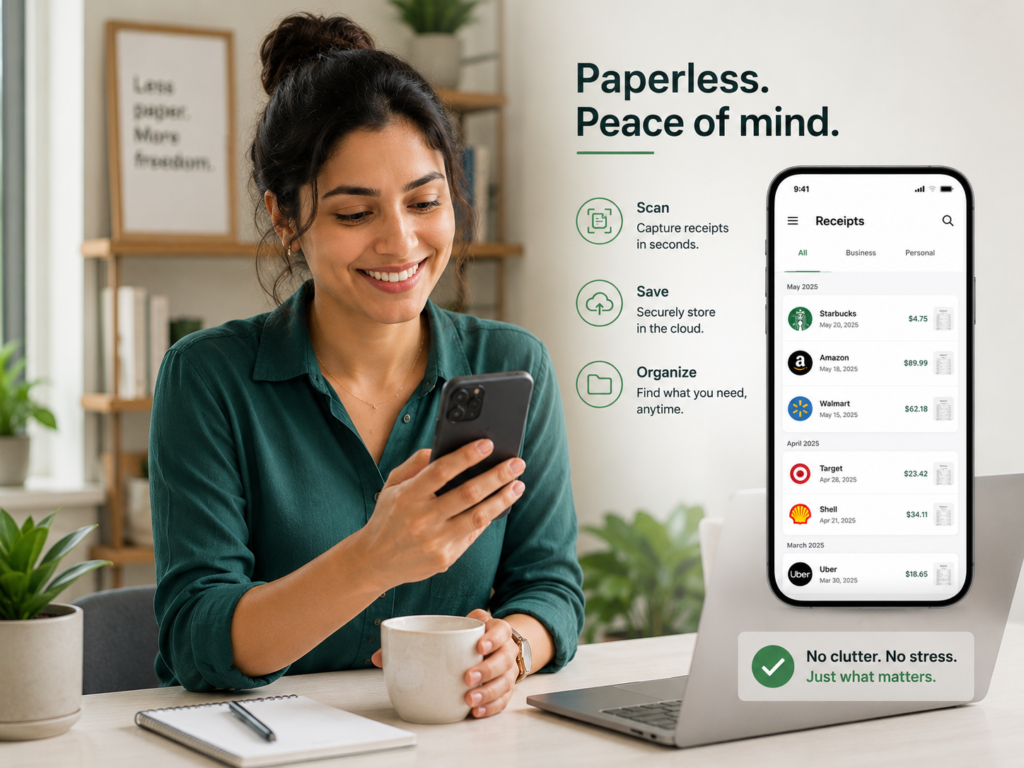
Going paperless with your receipts is one of those changes that sounds small — and turns out to be transformative. Not because it is complicated or clever, but because it removes a low-grade source of friction from your financial life entirely.
The fear of losing important records, the stress of tax season, the frustration of hunting for a specific receipt — these are problems that a good digital system solves permanently. And the effort required to set one up is genuinely smaller than most people expect.
A year from now, you will have a complete, searchable, organized record of everything you have spent — accessible from any device, impossible to lose, and ready for any purpose. That is what a paperless receipt system gives you.
The best time to start was a year ago. The second best time is right now. Scan your next receipt digitally — and let that be the moment your paper receipt habit ends for good.

Every tool on this list helps you run your business better. But none of them matter if your financial records are a mess.
Before you invest in project management software, marketing tools, or e-commerce platforms — make sure your expense tracking is airtight. Every purchase you make for your business needs to be documented, categorised, and stored correctly. Not just for tax season, but for understanding whether your business is actually profitable.
That is exactly what ManageReceipt is built for. Scan a receipt in seconds, add the business purpose, and it is stored, backed up, and export-ready. No shoebox of crumpled paper. No scrambling at tax time.
Download ManageReceipt Free — Start Tracking Expenses Today
iOS & Android | managereceipt.com


© 2025 Manage Receipt. All Rights Reserved.
